Playing audio#
First, navigate to the event that you would like to listen to.
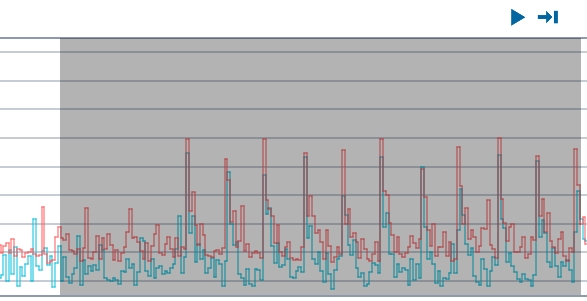
Left click and drag over the region of interest, and select the Play button at the top of the Time-Trace Plot. Select the hydrophone that you would like to listen to.
If you would like to hear the sound on loop, toggle the Loop button.
Select the Stop button at any time to stop listening.
Note
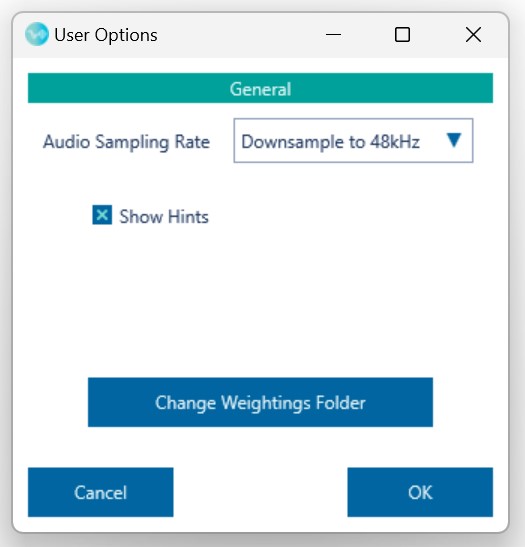
Sometimes an error is produced which indicates that your audio equipment is not able to play the sound due to the sampling rate being too high. If this is the case, you may go to the burger menu at the top right corner and select 'Options'. This will allow you to go to the General tab and select a better 'Audio Sampling Rate' option. Selecting the option 'Downsample to 48kHz' will allow playback on any device by removing high-frequency, in-audible components from the signal.